ExploreTrendingAnalytics
Nostr Archives
ExploreTrendingAnalytics
sudocarlos3d ago
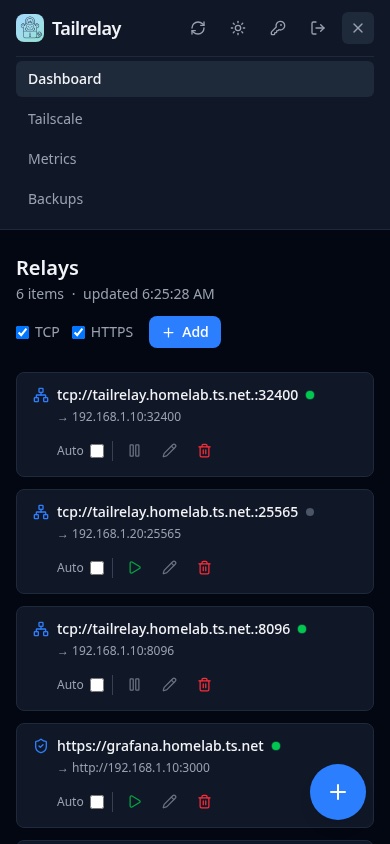
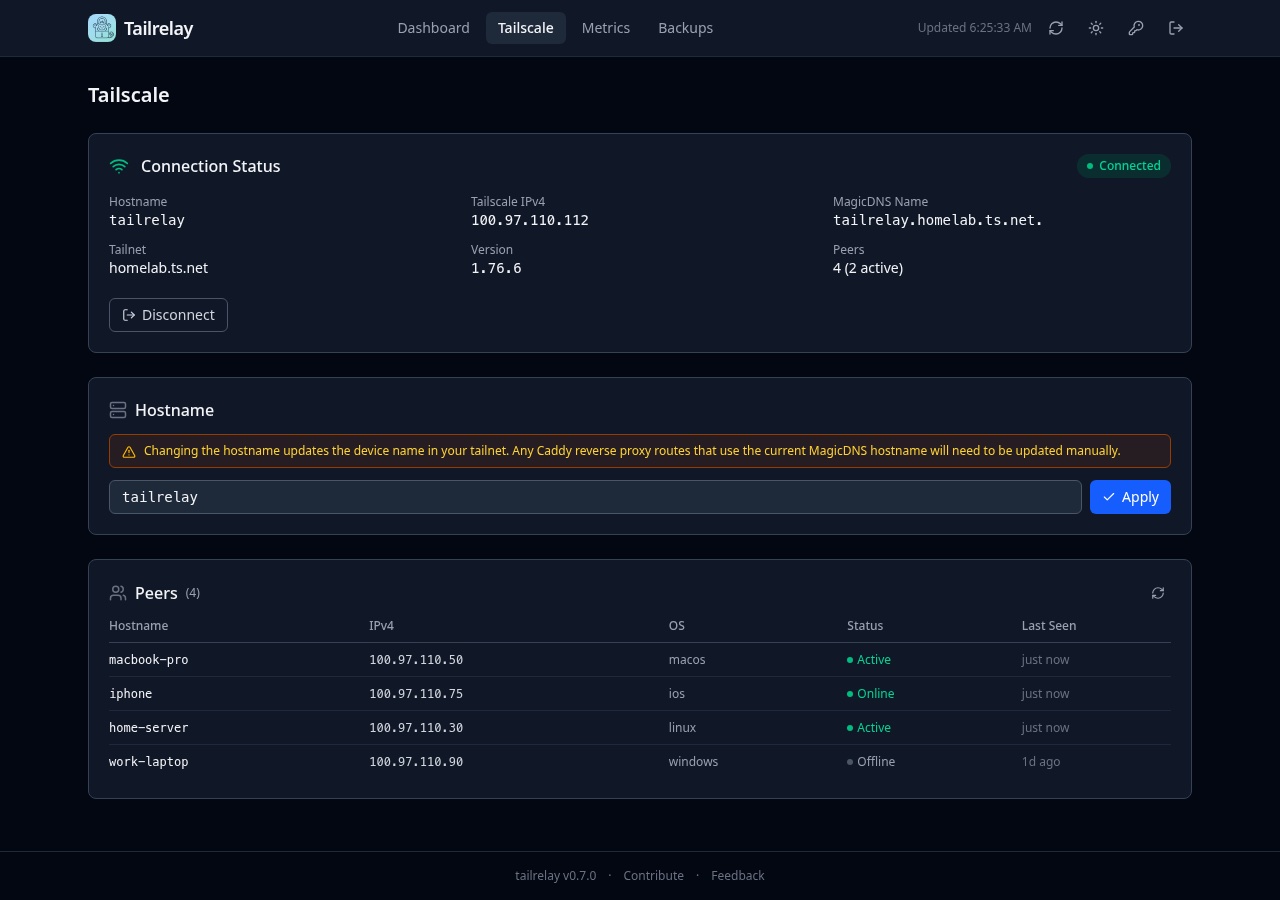
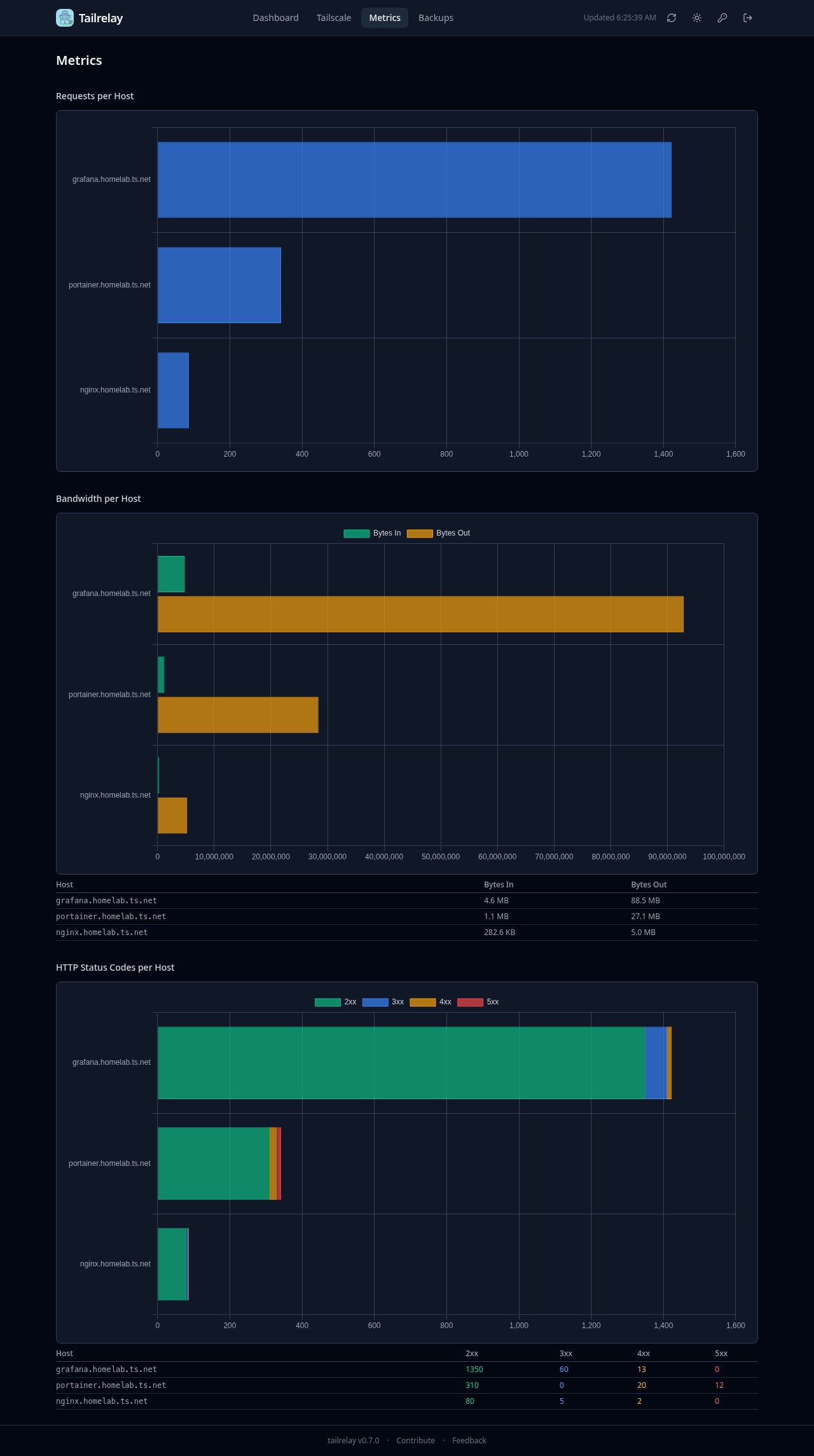
finally, burned too many tokens fixing bugs and making this maintainable. - unified layout for tcp and https relays - faster frontend - change tailscale hostname in the ui - fun metrics - password auth - other stuff and a ton of bug fixes https://github.com/sudocarlos/tailrelay-startos/releases/…
💬 18 replies
Replies (18)

sudocarlos3d ago
0000 sats
Alan Amato2d ago
I installed 0.8.2 successfully 😃 However, the add button doesn't add proxies, only relays. I also get an error when creating a relay to any service, "TLS cert issue: TLS handshake failed (certificate may not be provisioned yet): read tcp 127.0.0.1:54078->127.0.0.1:8443: i/o timeout".
0000 sats
sudocarlos2d ago
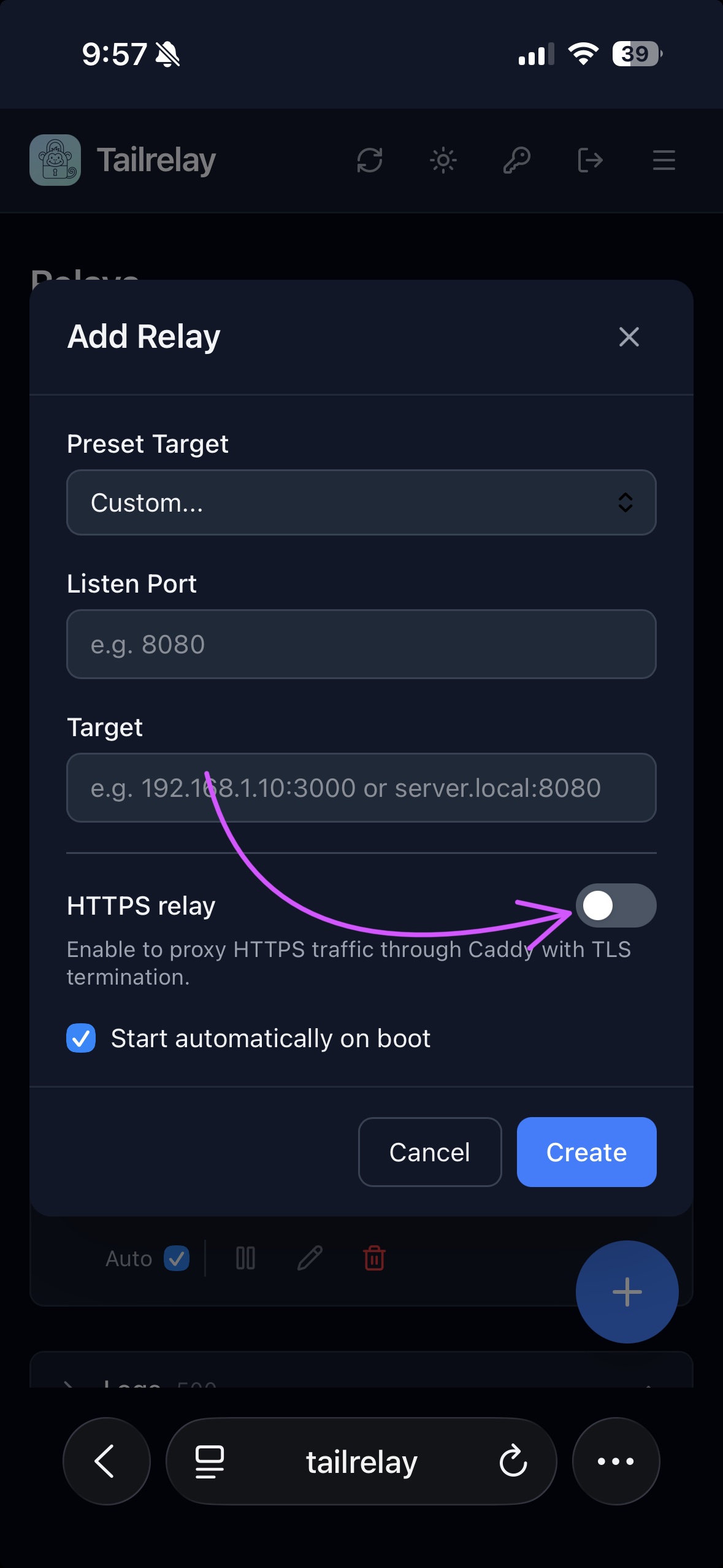
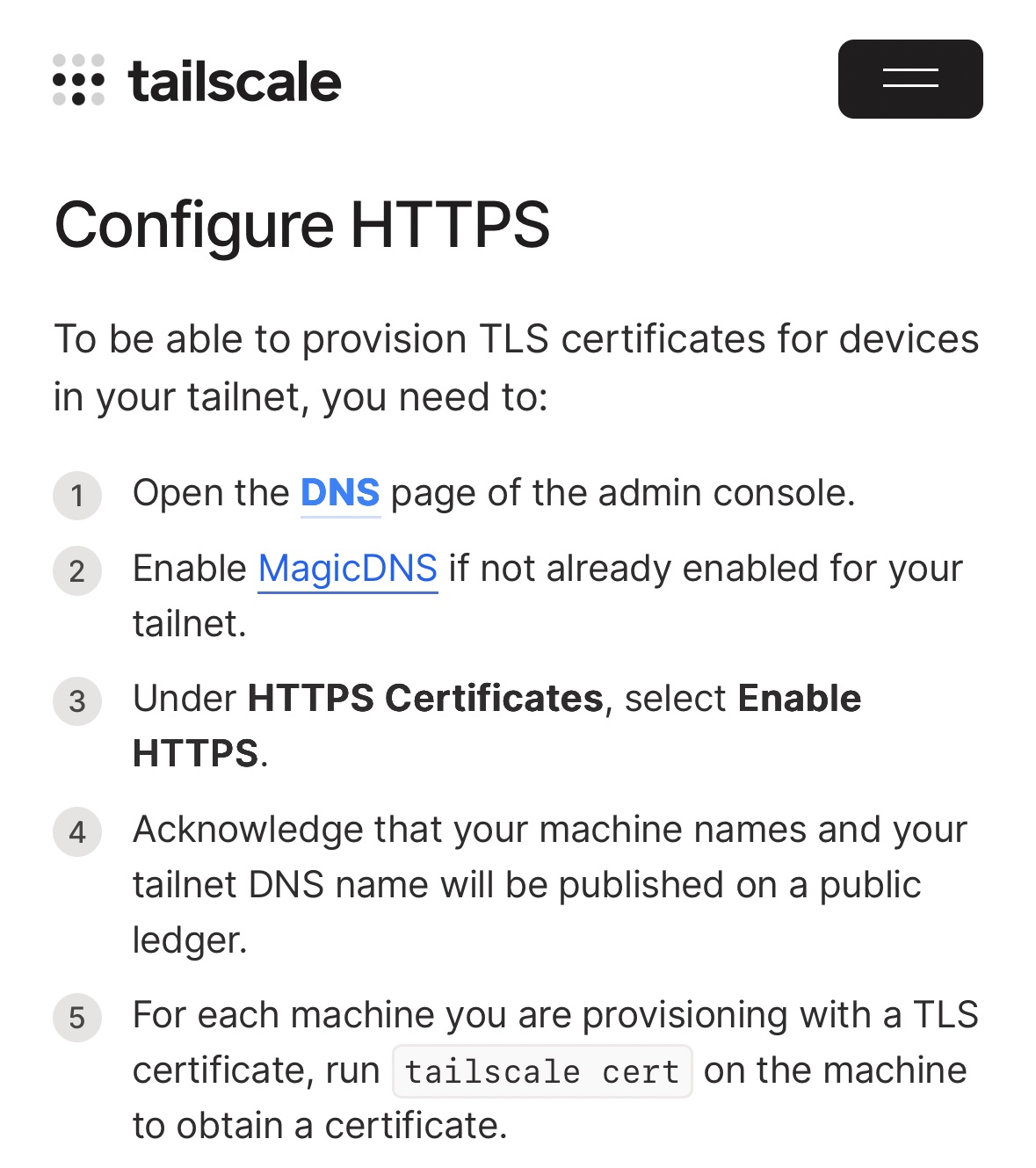
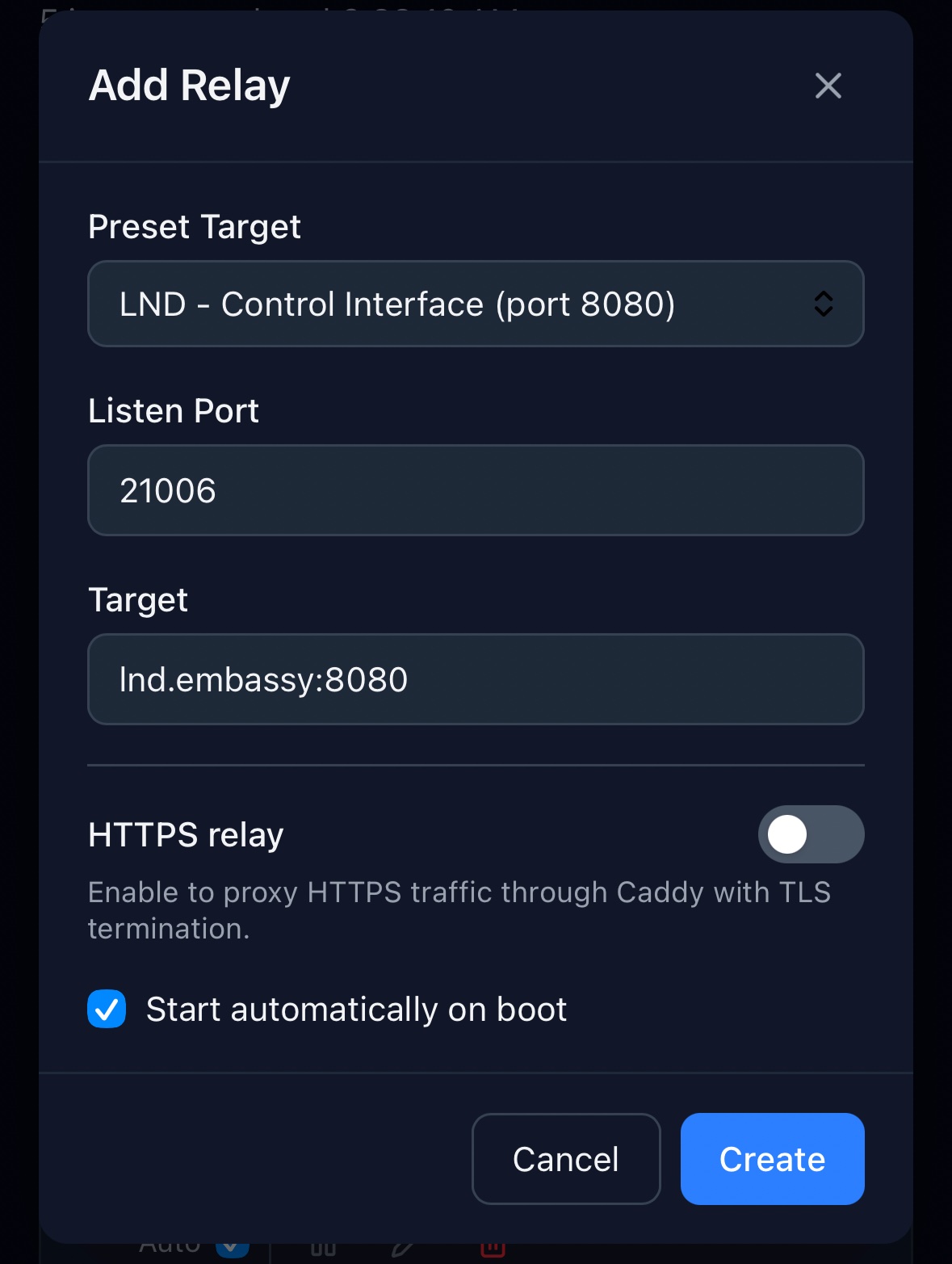
i thought id simplify the ui and refer to them all as relays. you can disable the https proxy when adding a relay, see screenshot. which lnd port did you choose and what did you select in zeus? for the error that youre seeing, make sure magicdns and https is enabled in tailscale. https://tailscale.com/docs/how-to/set-up-https-certificates adding an issue to try and check for it from the tailscale client and report it in the ui
0000 sats
Alan Amato2d ago
MagicDNS was on but https was not. So I enabled https and setup Zeus with my Tailrelay IP (from Tailscale iOS app), 8080 port and extracted my Macaroon from LND (and pasted it in) but get a TLS error in Zeus.
0000 sats
sudocarlos2d ago
create a new relay without https and use that same port in zeus.
0000 sats
sudocarlos2d ago
or instead of my other reply, just add "https://" in front of the ip in your zeus config.
0000 sats
sudocarlos2d ago
it might be overkill to generate the qr like this, but this would be cool
0000 sats
Alan Amato2d ago
Is LND REST on a different port for you or is using 8080 what I should use (which is the default I believe)?
0000 sats
Alan Amato2d ago
Looking at your video, I noticed you didn't need to set the macaroon either.
0000 sats
sudocarlos2d ago
i included it in the qr so it auto populates when scanned in zeus. going to put together a quick static page with client side javascript so you can copy/paste the lndconnect url from the startos config page and get a usable qr
0000 sats
Alan Amato2d ago
Ooooooh. Very slick 👍🏻
0000 sats
sudocarlos2d ago
8080 is the port on the lnd.embassy container. this is auto filled in the add relay form, but the listen port remains your choice and can be whatever you want it to be (except 80, 443 or 8021).
0000 sats
Alan Amato2d ago
Got it. Thanks
0000 sats
Alan Amato2d ago
Generating a QR would be very cool and simplify the process quite a bit.
0000 sats
Alan Amato7h ago
No luck so far. I've tried various options, with and without https but I get different errors. I know it must be me. Is there something I'm not doing inside LND? I'm stumped. I had to convert my macaroon to hex in the terminal even though it looks like you didn't need it 🤷🏼‍♂️
0000 sats
sudocarlos6h ago
can you show me the corresponding tailrelay configs you tried?
0000 sats
sudocarlos2d ago
https://sudocarlos.github.io/tailrelay-lndconnect/ enjoy!
0000 sats
Alan Amato4h ago
I deleted the previous relays and created two new ones with & without https with different REST ports but still get errors.
0000 sats